
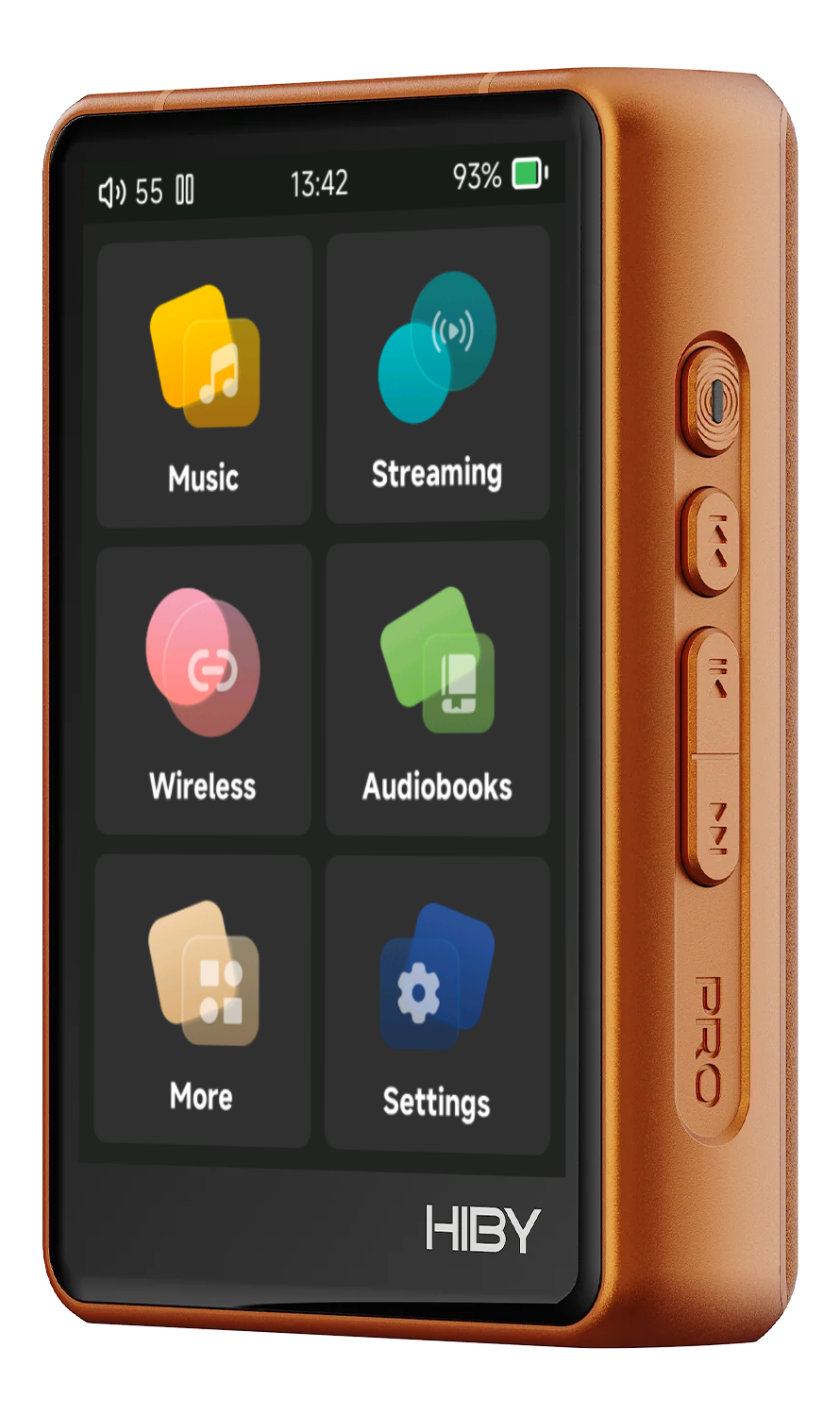
Download
Get SonixOS for your player, copy it to the microSD card and update. It takes a couple of minutes.
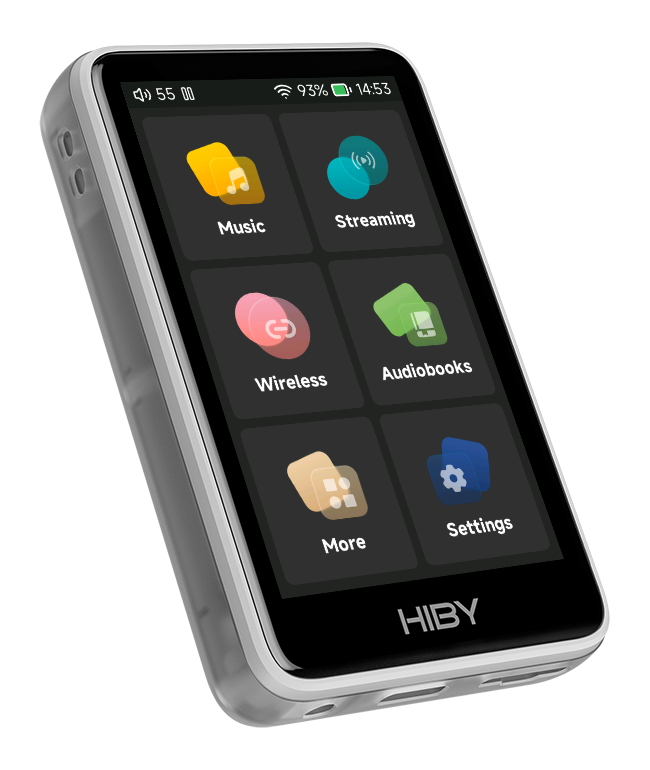
Use only the file for your player. The update does not check which player it is given: an R1 file on an R3 Pro II, or the other way round, is installed anyway and can leave the player unusable.
Install
- Charge the player above 30%.
- Copy the file to the root of the microSD card, without renaming it, not inside a folder, and put the card in the player.
-
Start the update.
- From the stock HiBy firmware: use its firmware update from the microSD card.
- From SonixOS: Settings › System › Update firmware › From SD card.
- Wait. The player says "Upgrading...", then "Succeeded", and restarts by itself.
Once SonixOS is installed, new versions install straight from the player: Settings › System › Update firmware › Via internet. Your settings, library and playlists stay as they are.
SonixLink for Android
Browse the player's library and control it from your phone, over Wi-Fi or Bluetooth. Android 7.0 or later.